Getting Started with ArcGIS Online
This page will walk you through the process of creating an ArcGIS Online organizational account.
Step 1
Go to Ohio University ArcGIS Online. (https://arts-sciences.maps.arcgis.com)
Step 2
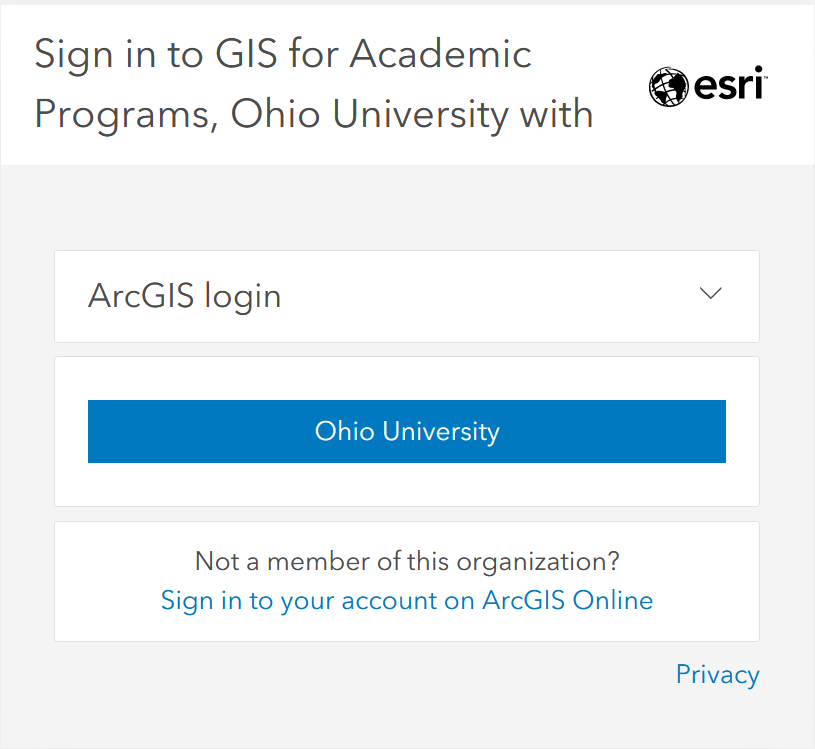
Select the Ohio University button. When prompted, enter your OHIO ID and password.
Step 3
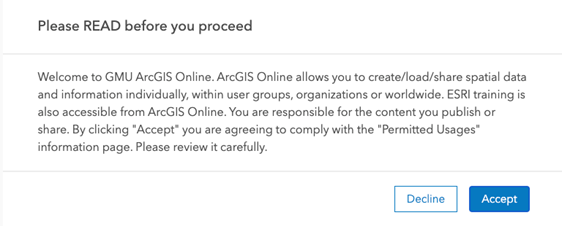
Read and review the Permitted Usages information then select Accept.
Resources
Learning resources are available through Esri Academy and Learn ArcGIS. Documentation can be found here.
Note
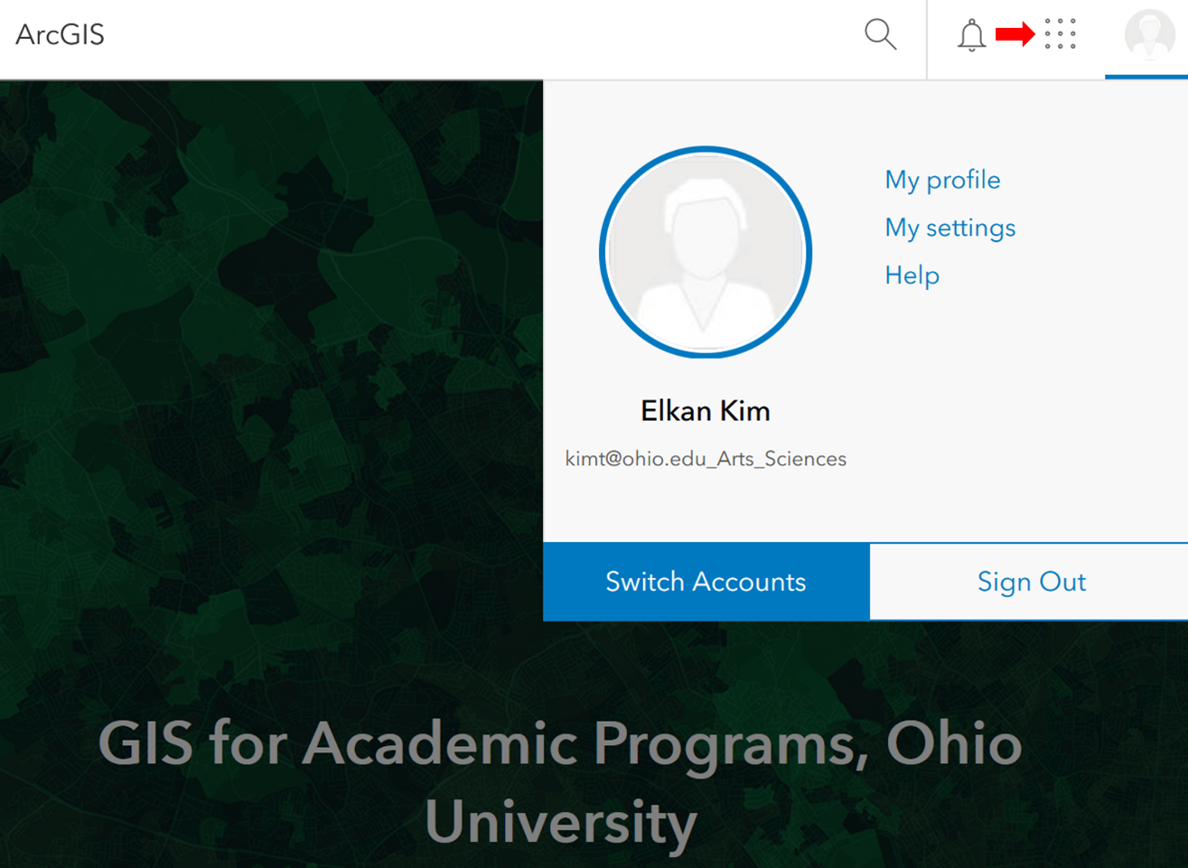
Available web apps can be viewed and accessed from the grid menu at the top right-hand corner of the page.